

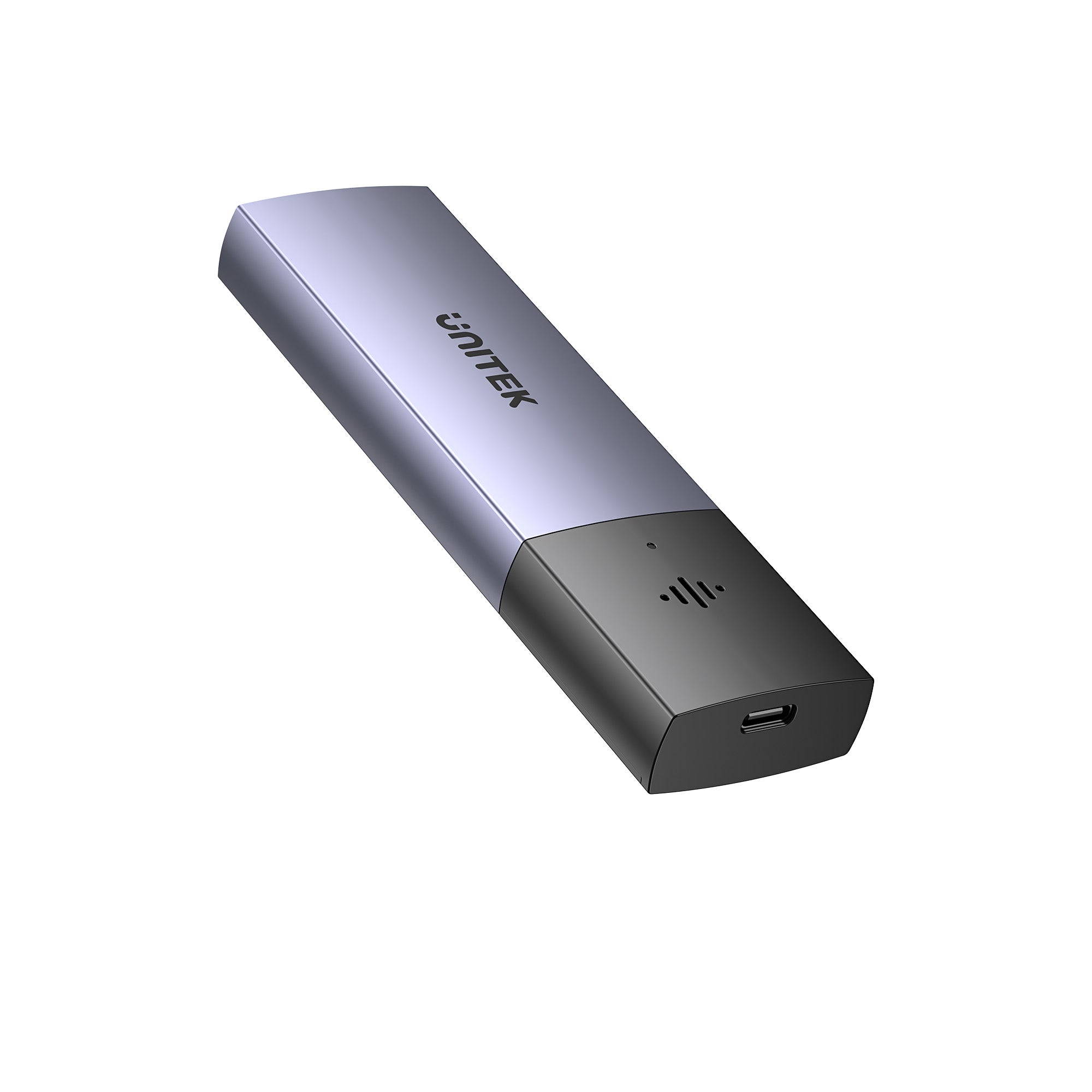
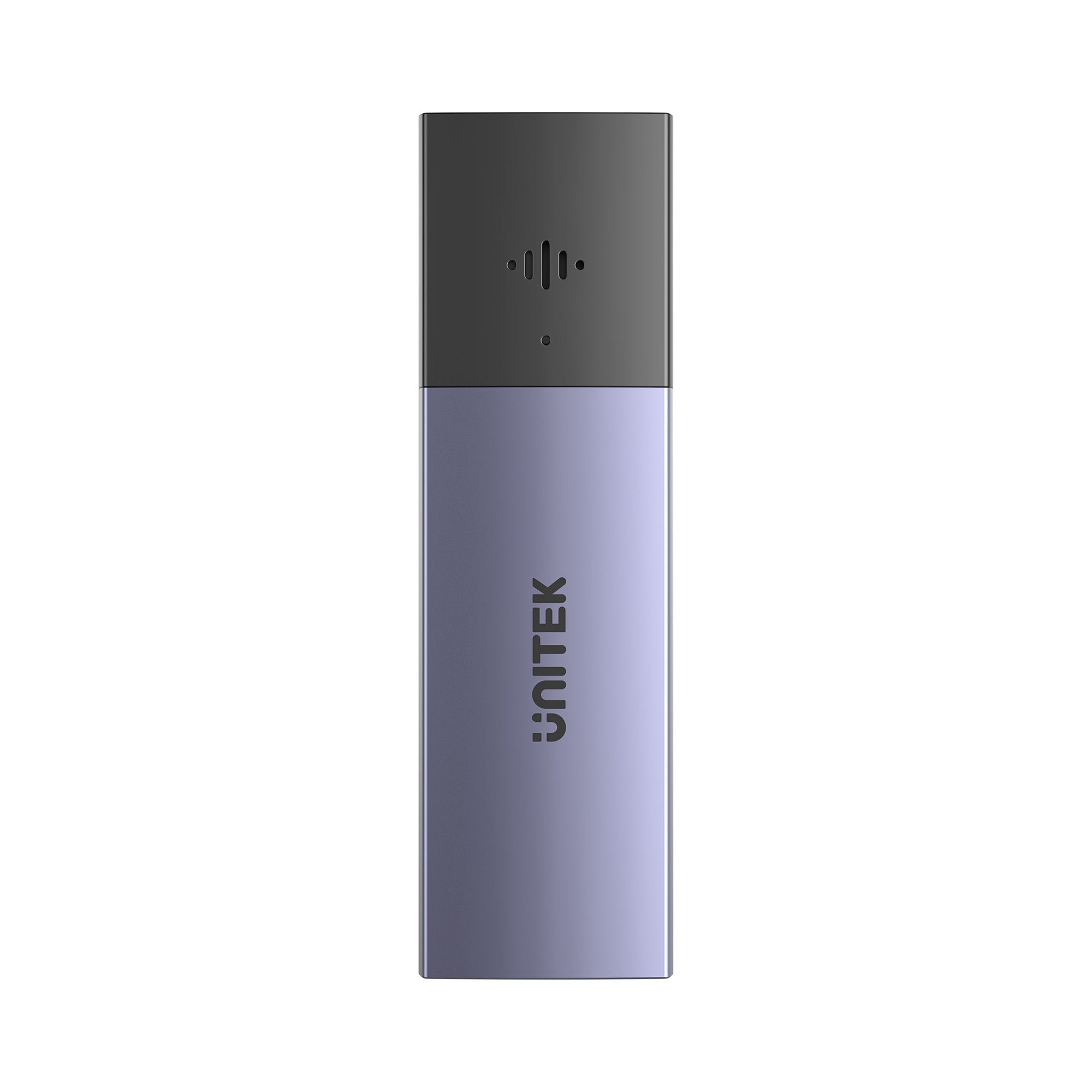
SolidForce 스마트 안티-로스 M.2 SSD 인클로저
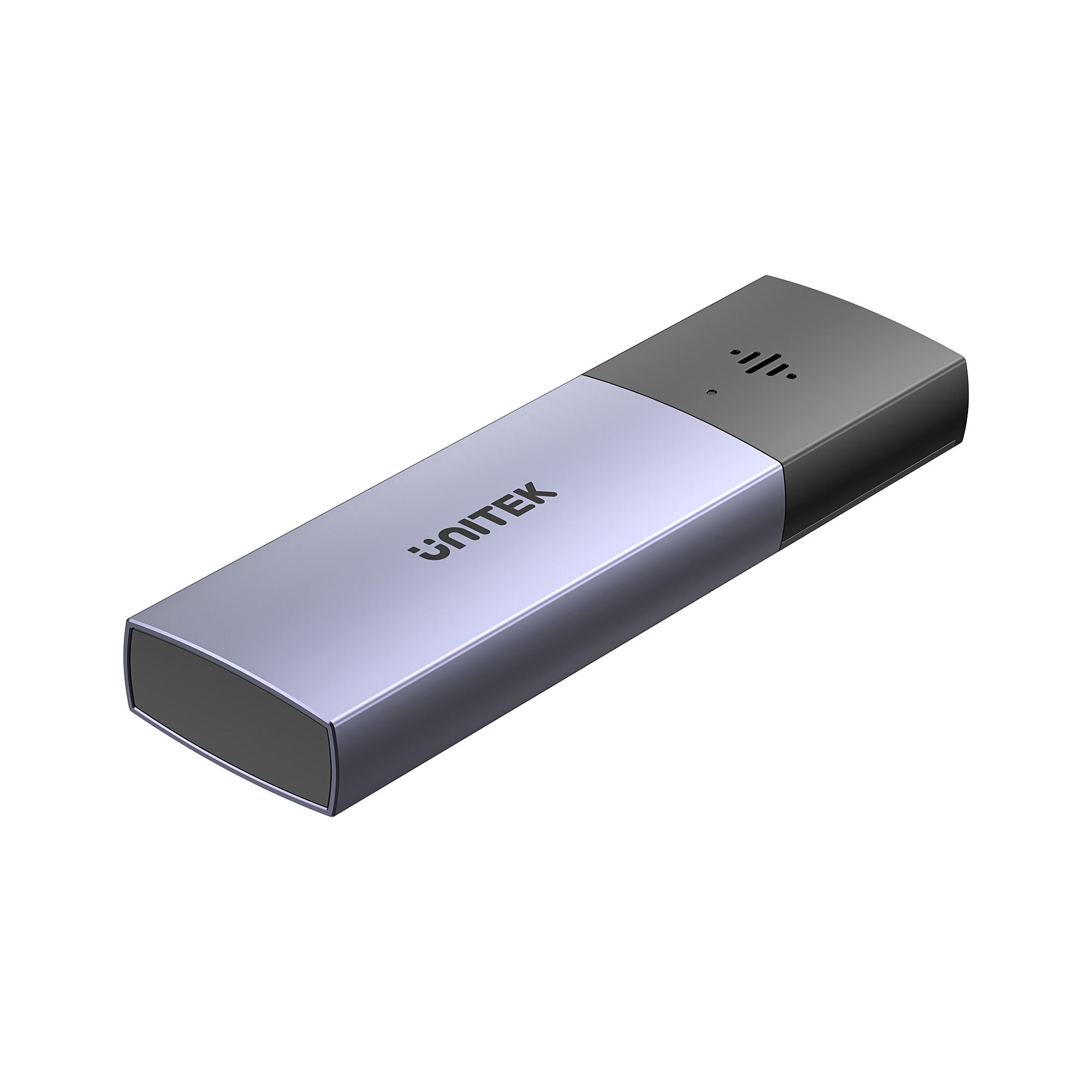
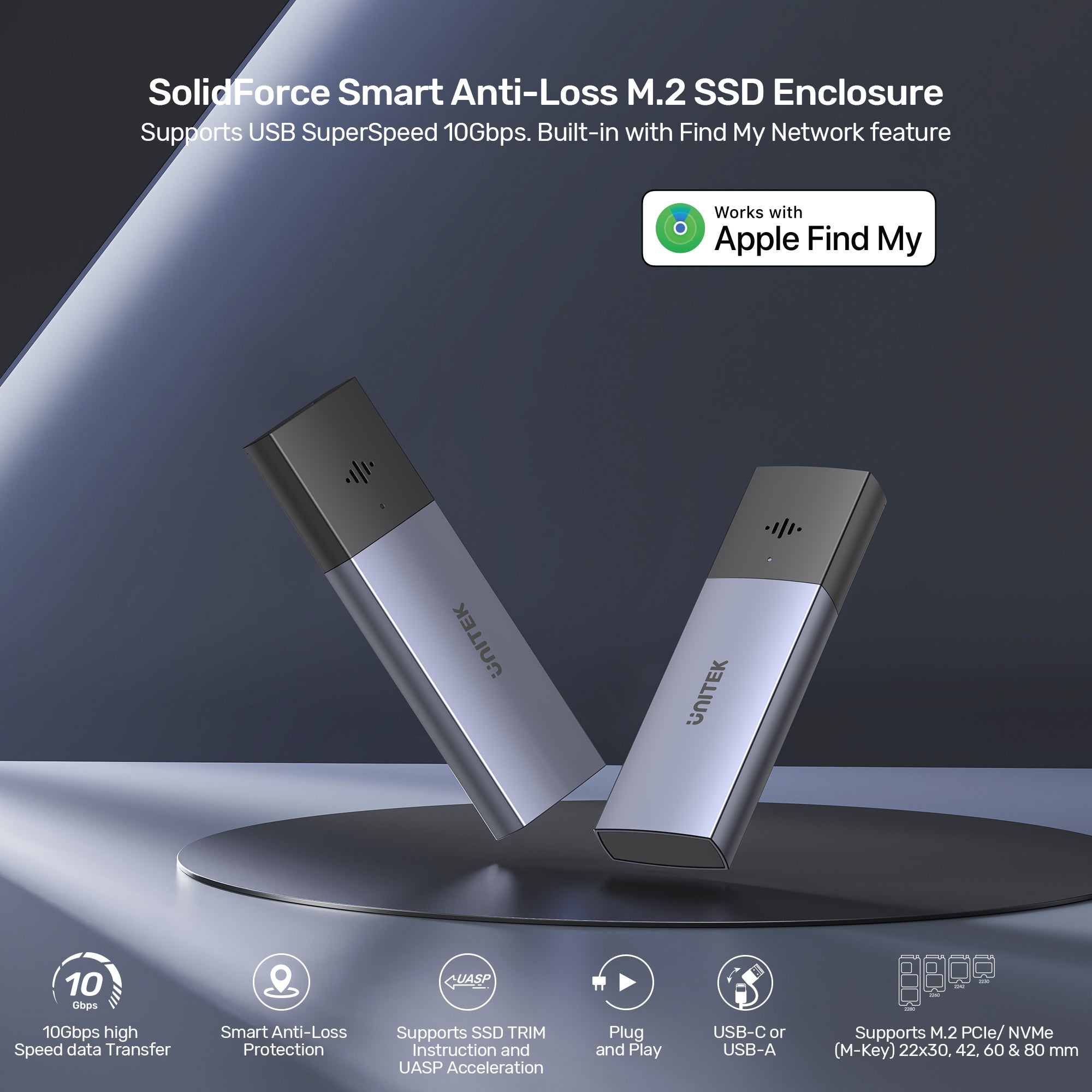
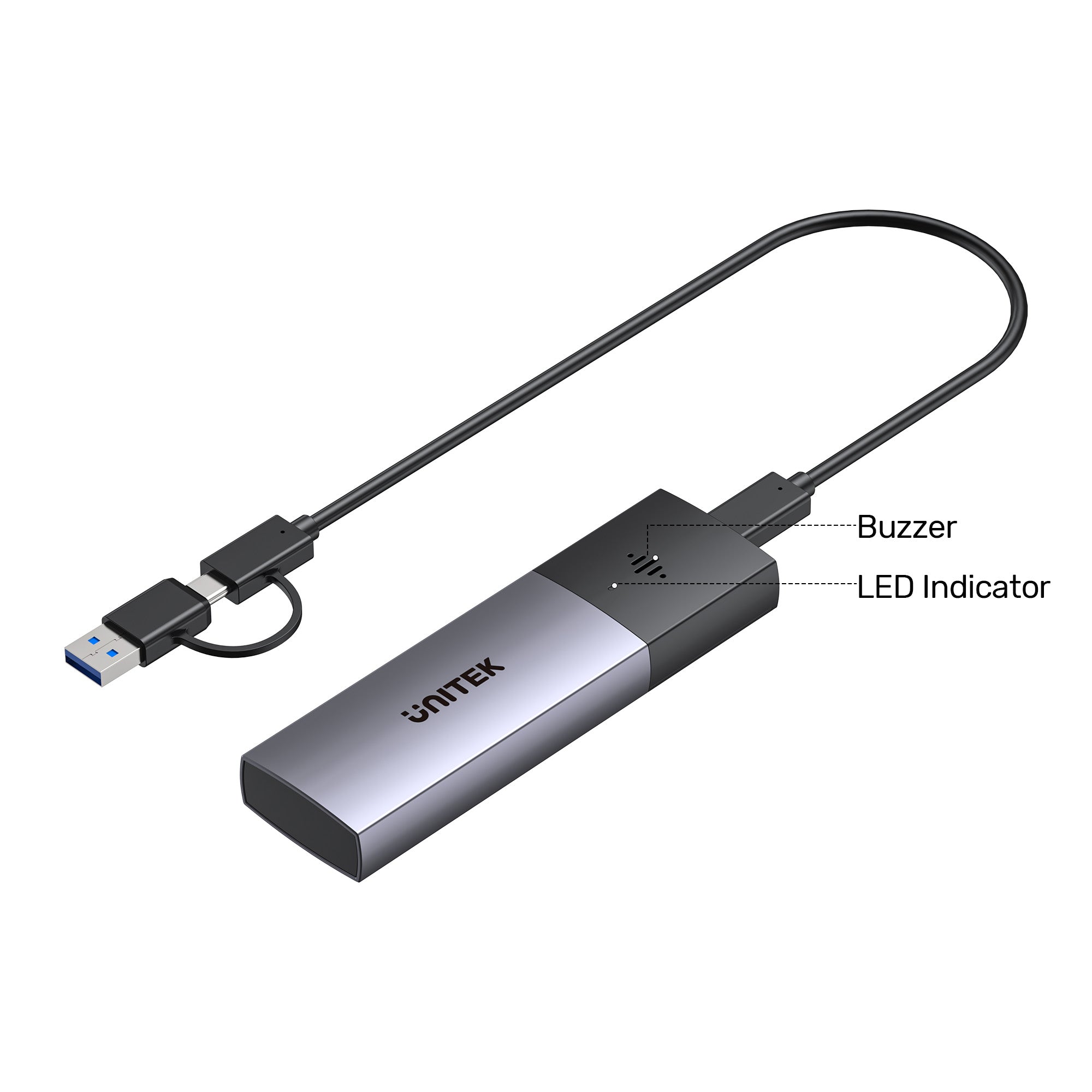
The UNITEK SolidForce Smart Anti-Loss M.2 SSD Enclosure (S1251A) combines blazing 10Gbps transfer speeds with intelligent anti-loss protection via Apple’s Find My network. Receive instant separation alerts, sound the buzzer, and view last-known location if misplaced. Supports NVMe SSDs up to 2280, flexible USB-C/A connection, and universal OS compatibility – perfect for professionals and travelers who can’t afford to lose valuable data.

Find My Network
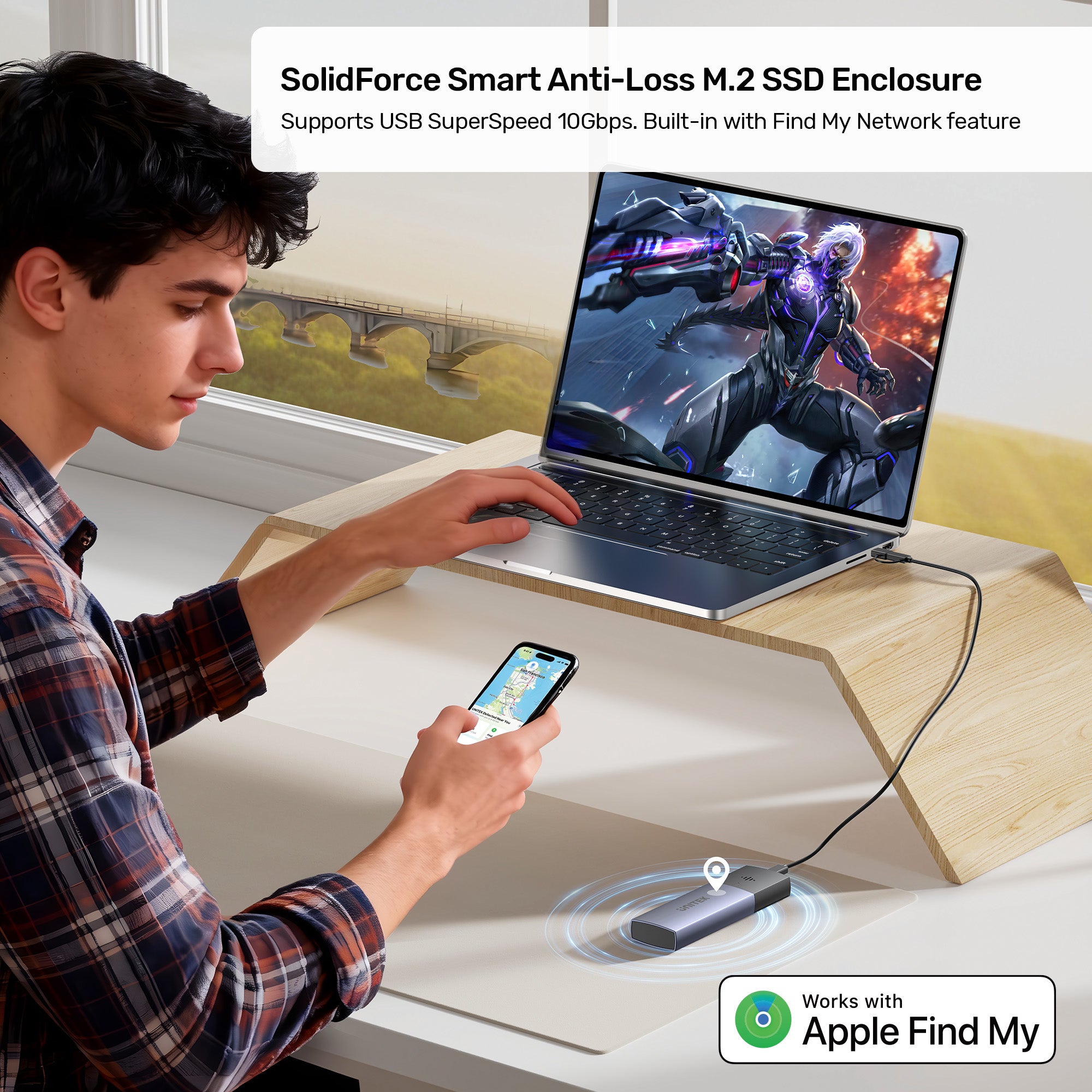
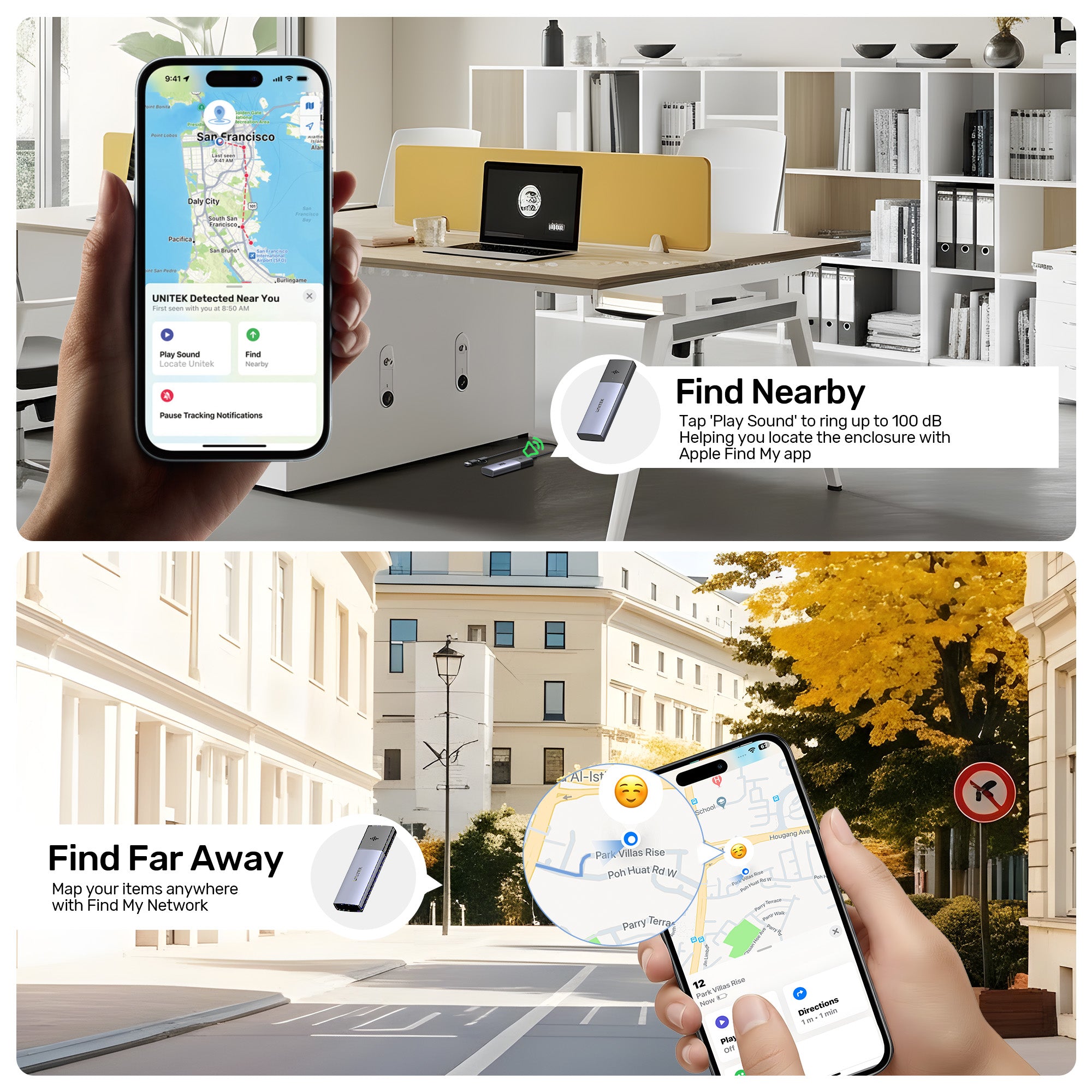
Seamlessly track your SSD enclosure using Apple’s official Find My app for a premium user experience. This feature prevents accidental loss when the SSD enclosure is left behind after use in different locations. Locate your SSD enclosure quickly with the built-in sound alarm. Stay Connected, Stay Secure – Your Data Deserves the Best Protection!

Smart Anti-Loss Protection
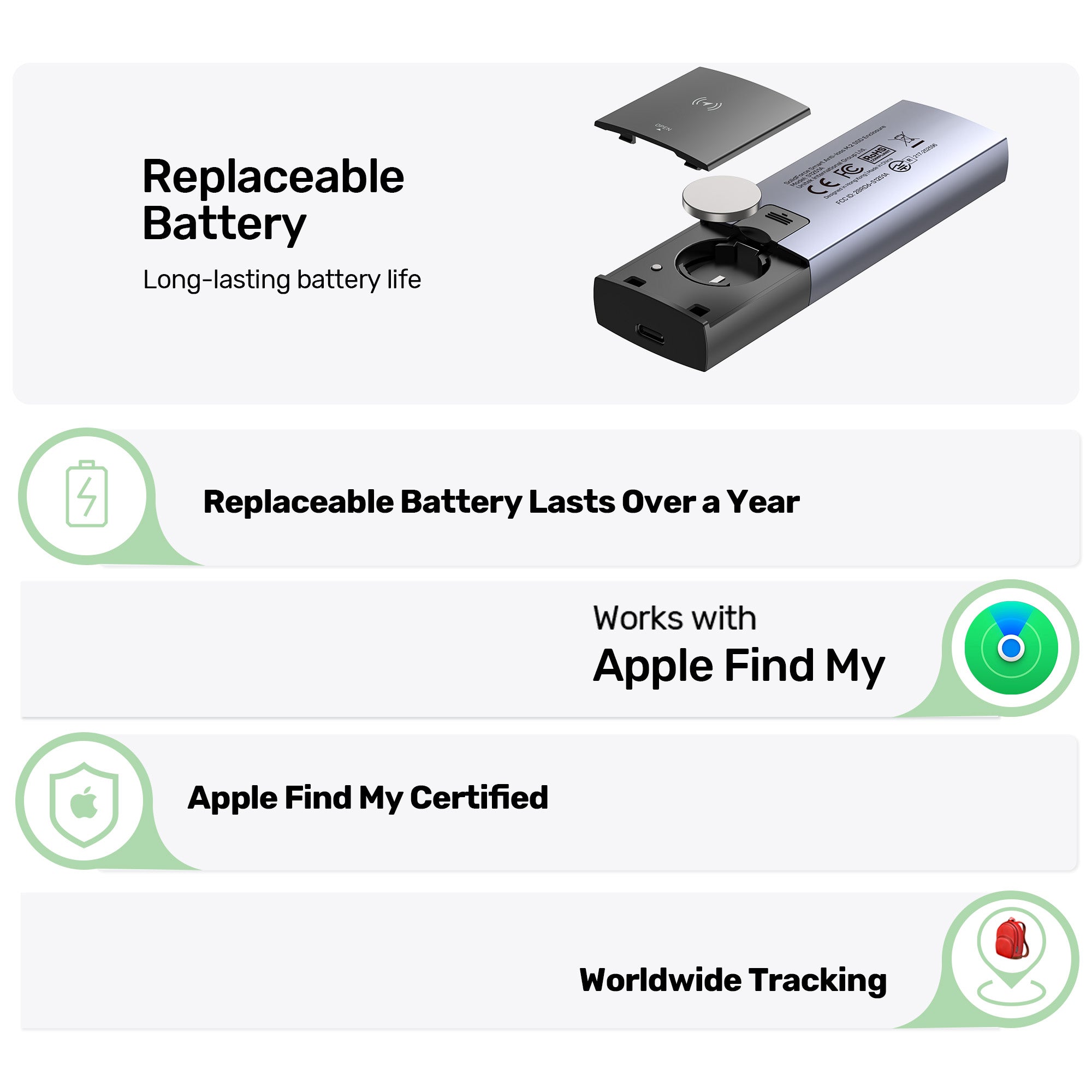
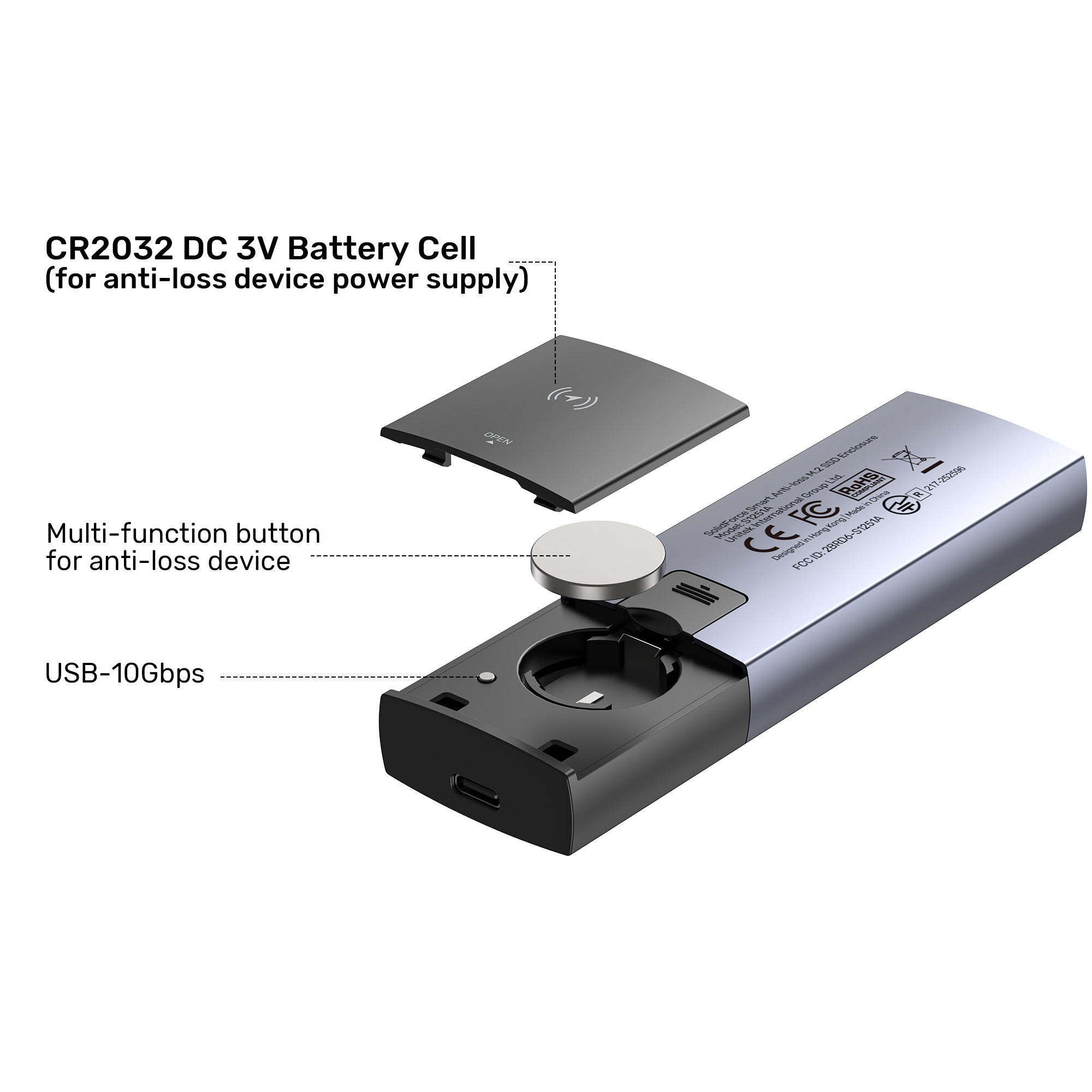
Equipped with Bluetooth 5.1 (BLE) 2.4GHz technology supporting RSSI/AoA/AoD multi-mode positioning. Features includes instant pop-up separation alerts, last-known location recording in the app with navigation guidance, and an audible buzzer alarm for easy retrieval. Powered by a CR2032 battery cell with one year long last life, eliminating frequent battery replacements.

10 Gbps High-Speed Transmission
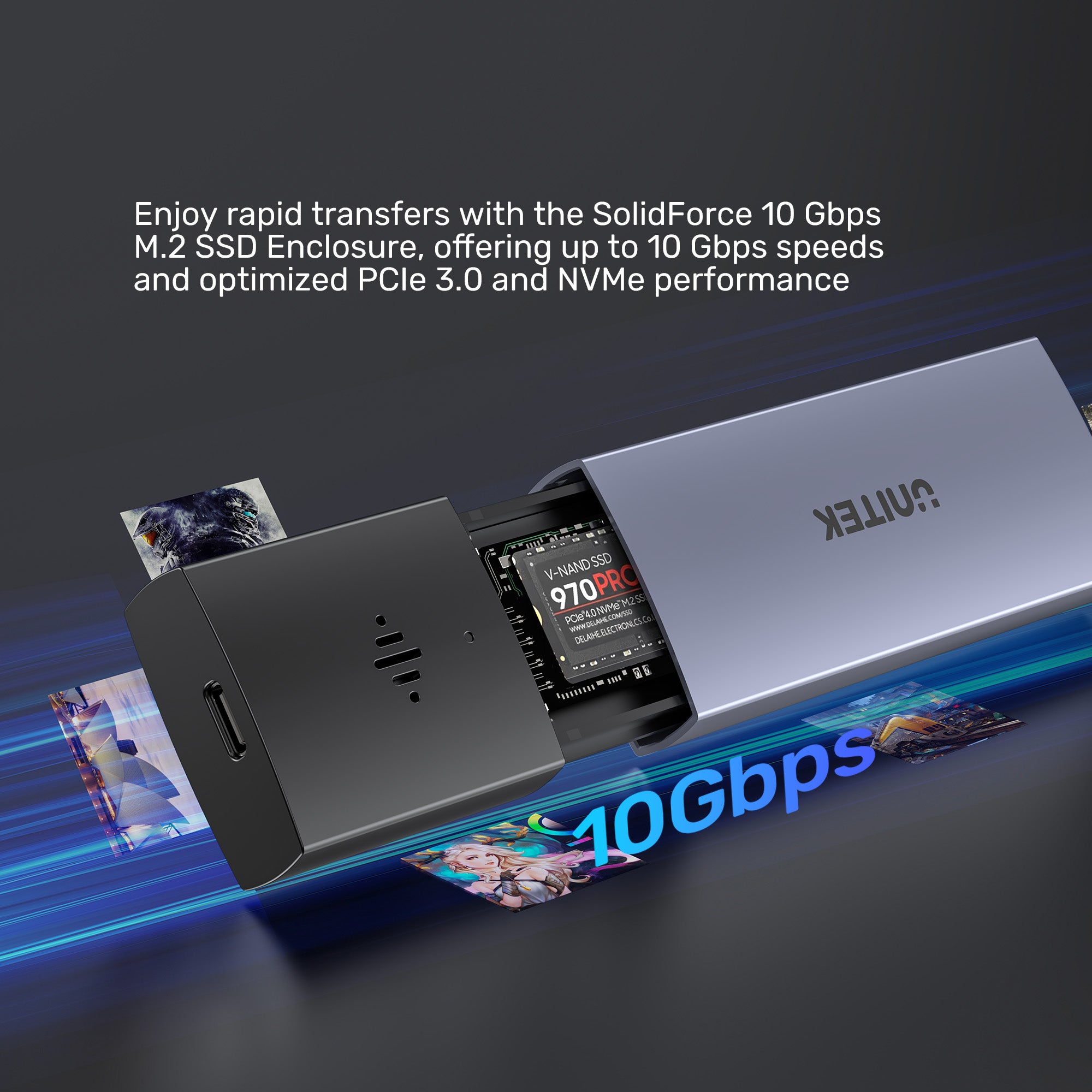
UNITEK SolidForce 10 Gbps Anti-Loss M.2 SSD Enclosure supports upstream transfer speeds of up to 10 Gbps and is compatible with 5 Gbps USB 2.0 transfer speeds. Additionally, it supports SSD TRIM and UASP acceleration, optimizing read/write speeds for ultra-fast data transfers. It fully utilizes PCIe 3.0 and NVMe SSD performance.

Flexible Port Connection
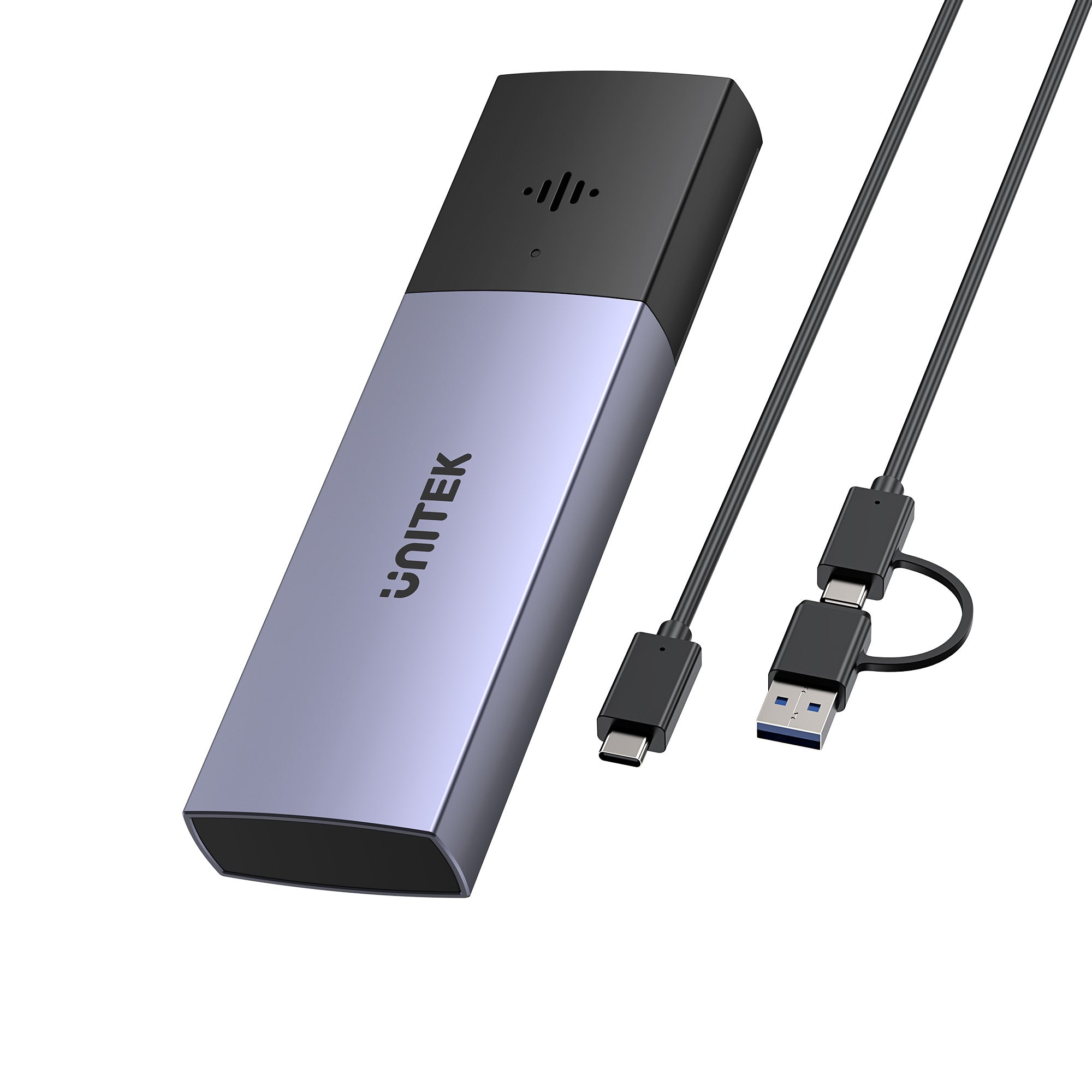
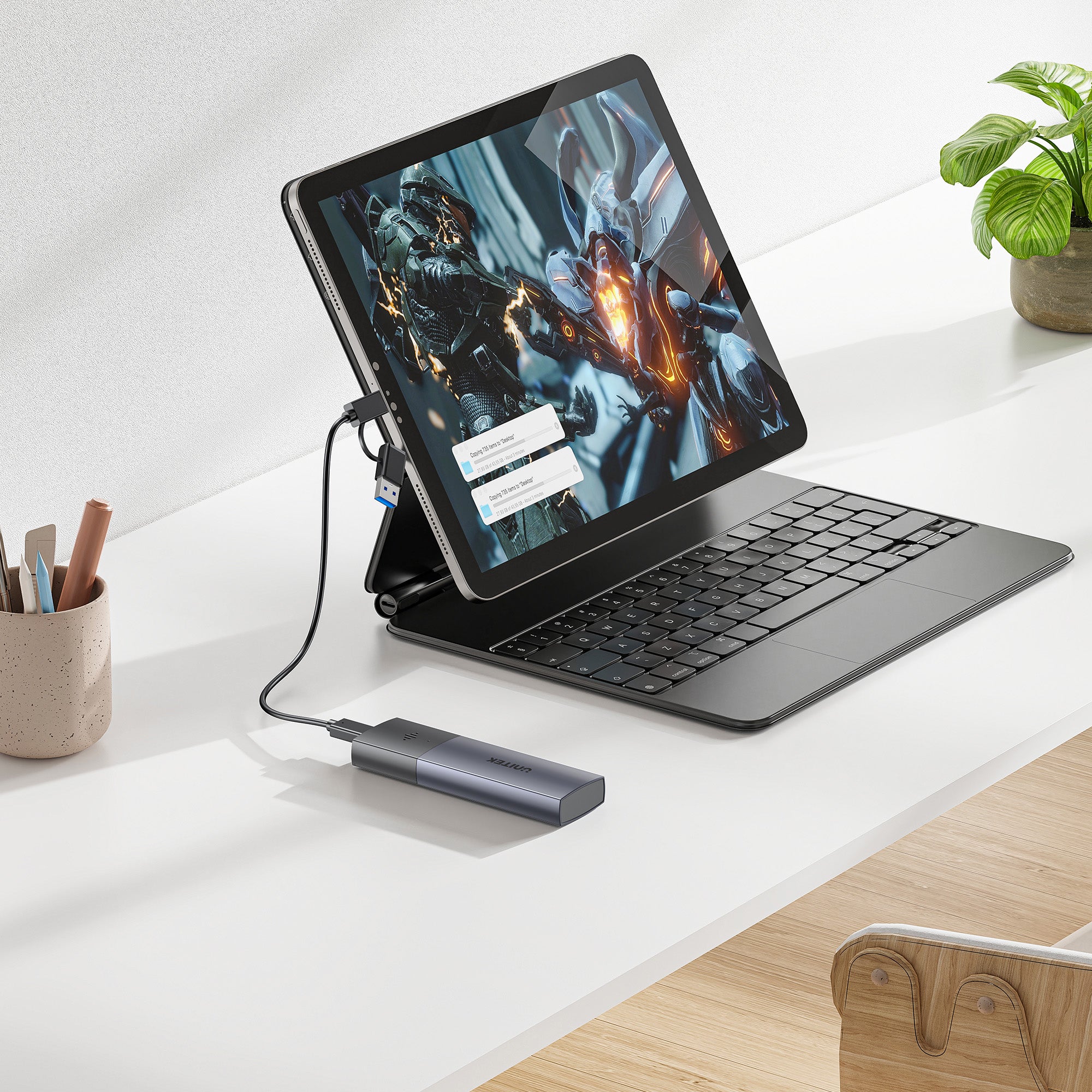
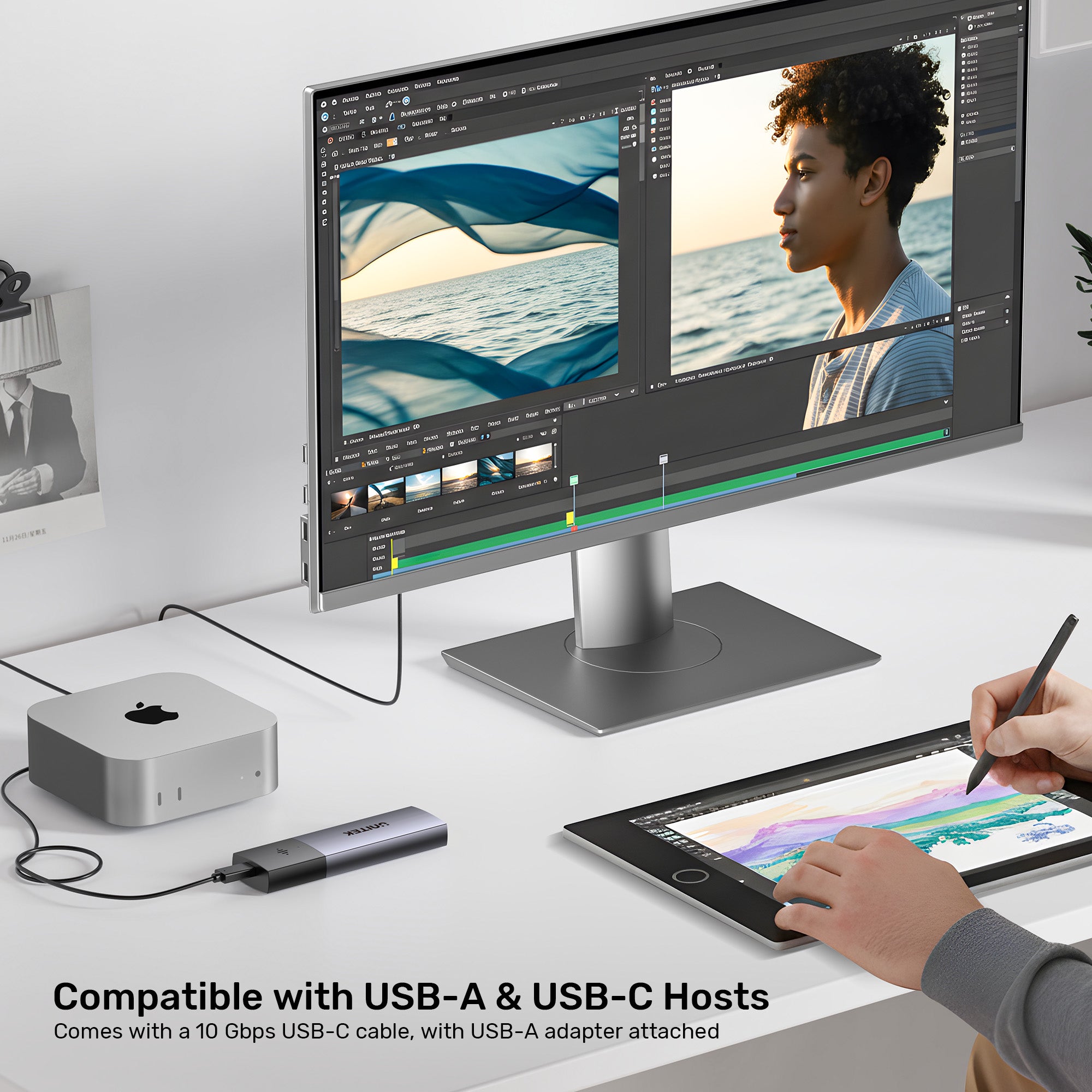
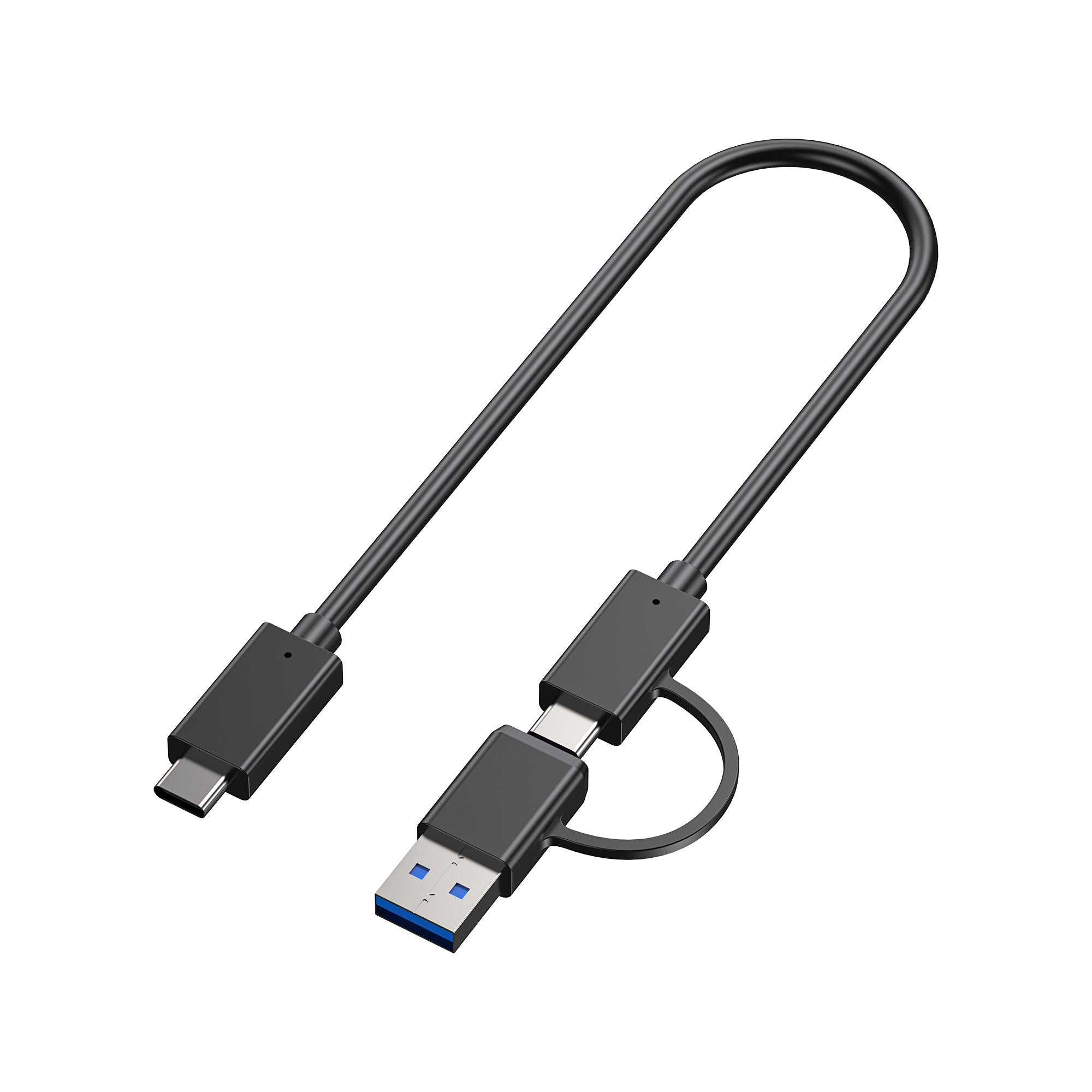
Including a 30cm 10Gbps USB-C to USB-C cable with USB-A adaptor It offers unparalleled flexibility and great convenience for end user to choose either USB-C or USB-A port to connect their personal devices for easy data transfer.

Universal OS Compatibility
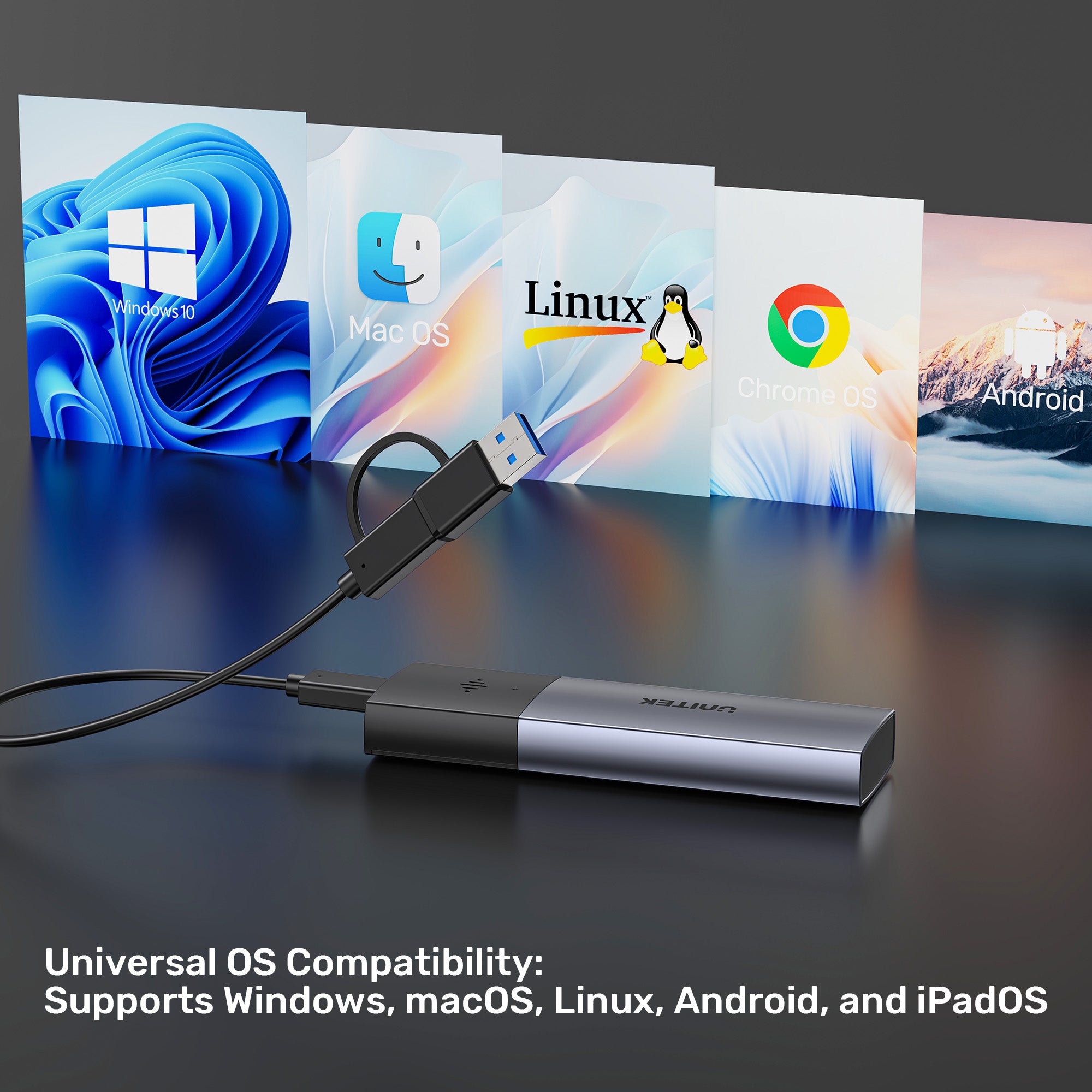
Supports seamless connectivity and data transfer across Windows, macOS, Linux, Android, and iPadOS without the need for additional drivers.

Tailored Solutions for Every Professional & Creator
From government agencies and IT professionals needing secure, reliable connectivity, to photographers, videographers, and content creators requiring fast data transfer and stable workflows – our products empower productivity.

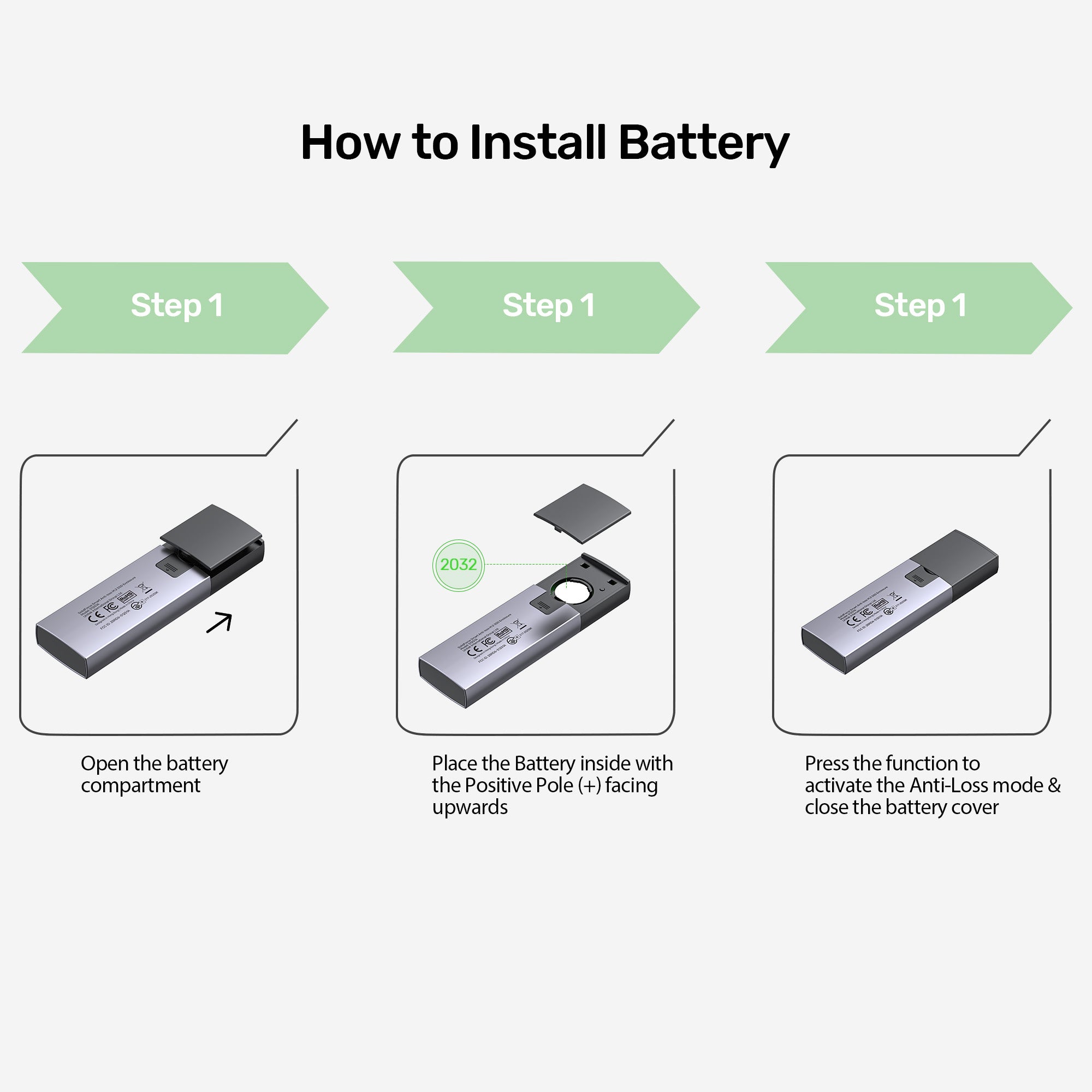
How to Install Battery
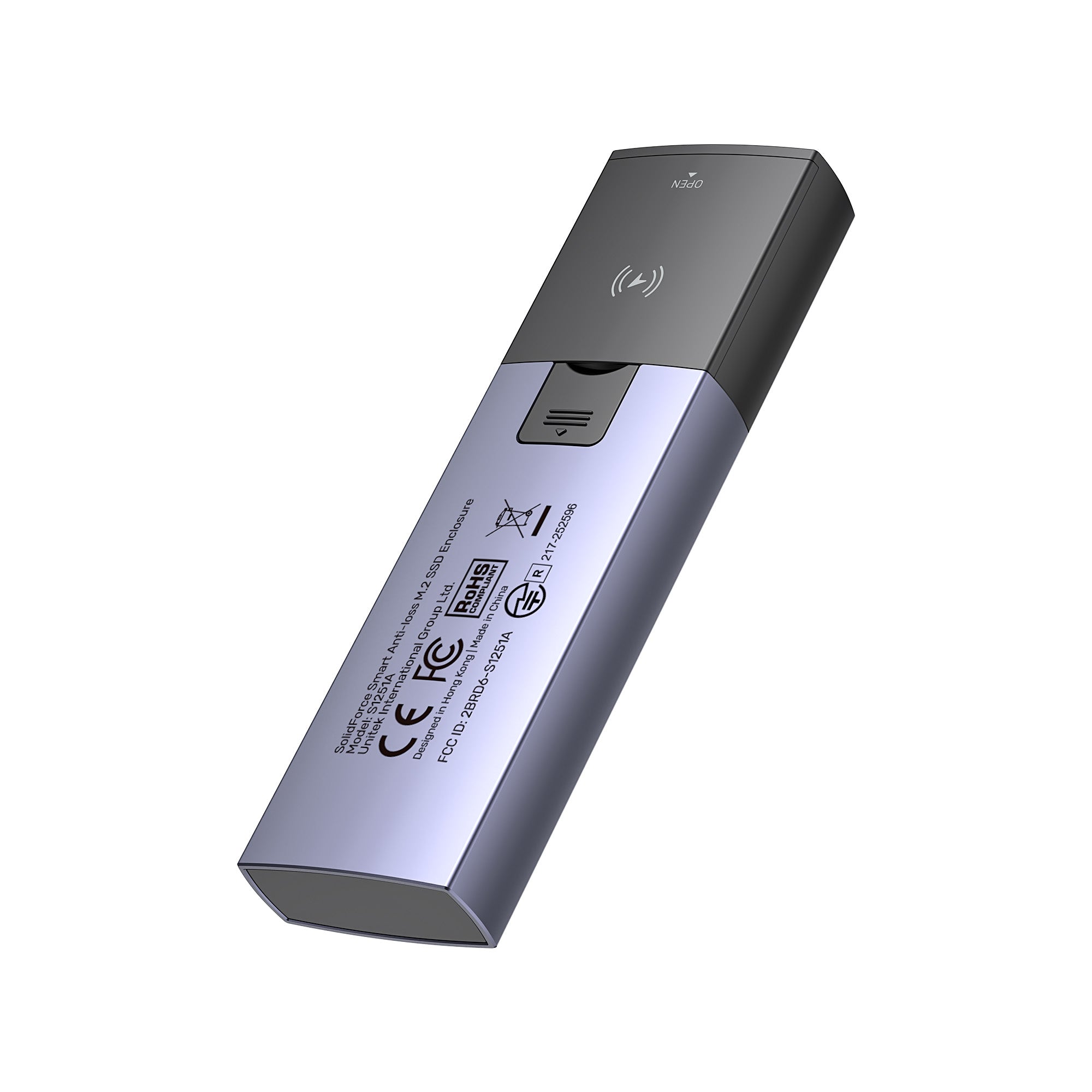
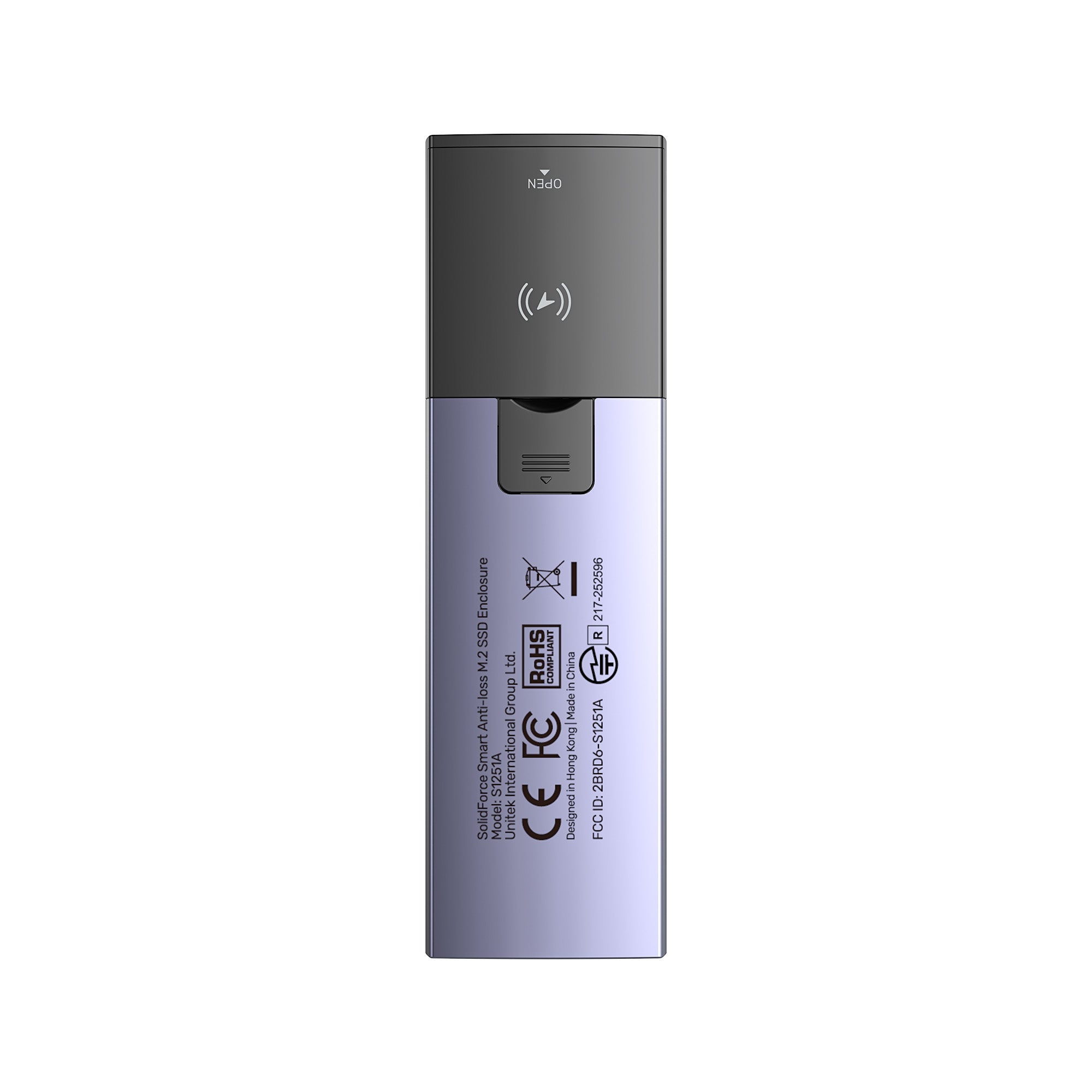
1. Open the battery compartment. 2. Place the battery inside with the positive pole (+) facing upwards. 3. Press the function button to activate Anti-Loss mode, then close the battery cover. Simple setup ensures your data stays protected and trackable!

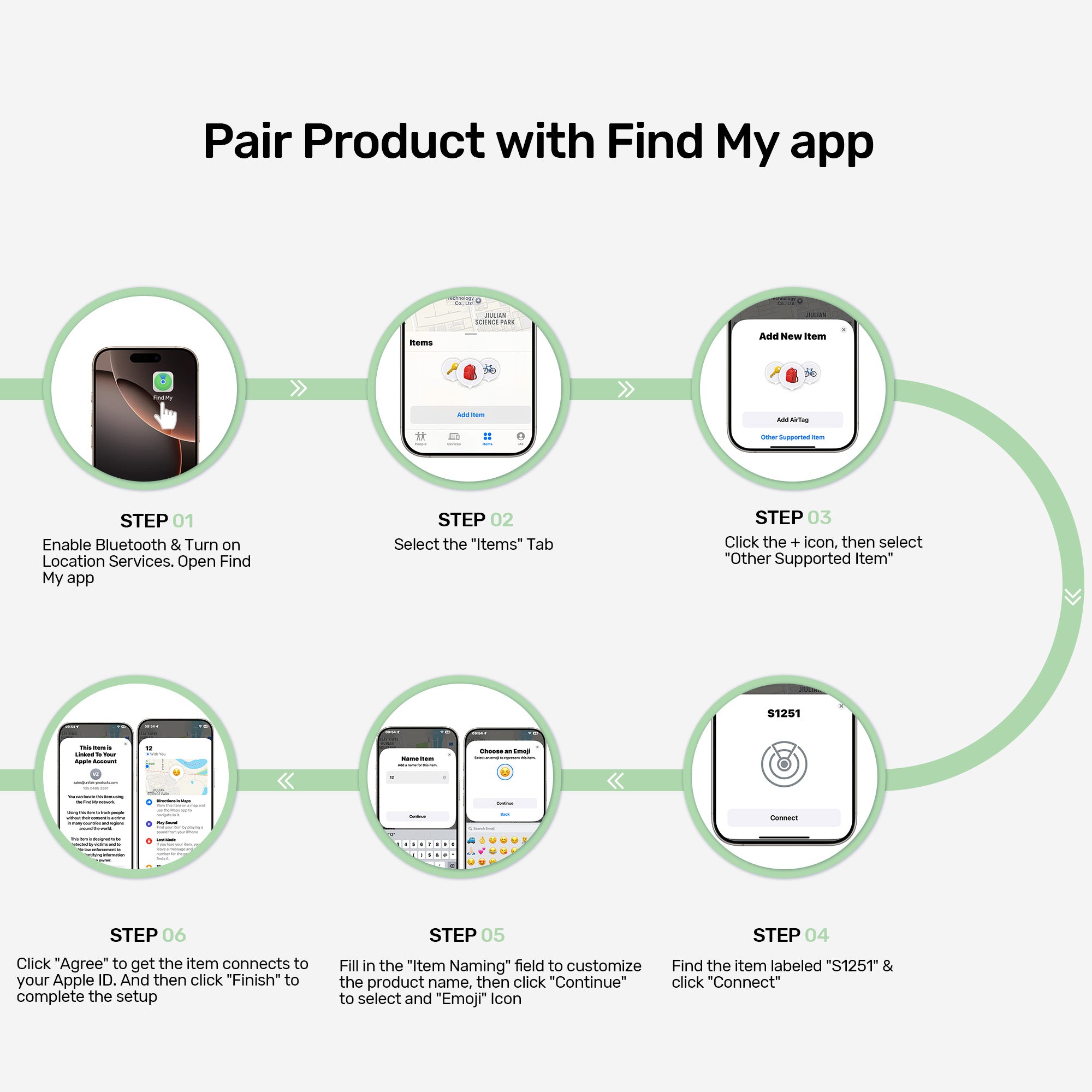
Pair Product with Find My App
Follow these simple steps to connect your SolidForce enclosure to the Find My app and enable tracking: 1. Enable Bluetooth & Location Services, then open the Find My app. 2. Go to the "Items" tab. 3. Tap the + icon and select "Other Supported Item". 4. Find and select "S1251" from the list, then tap "Connect". 5. Name your item and choose an emoji icon, then tap "Continue". 6. Agree to connect to your Apple ID and tap "Finish" to complete setup.

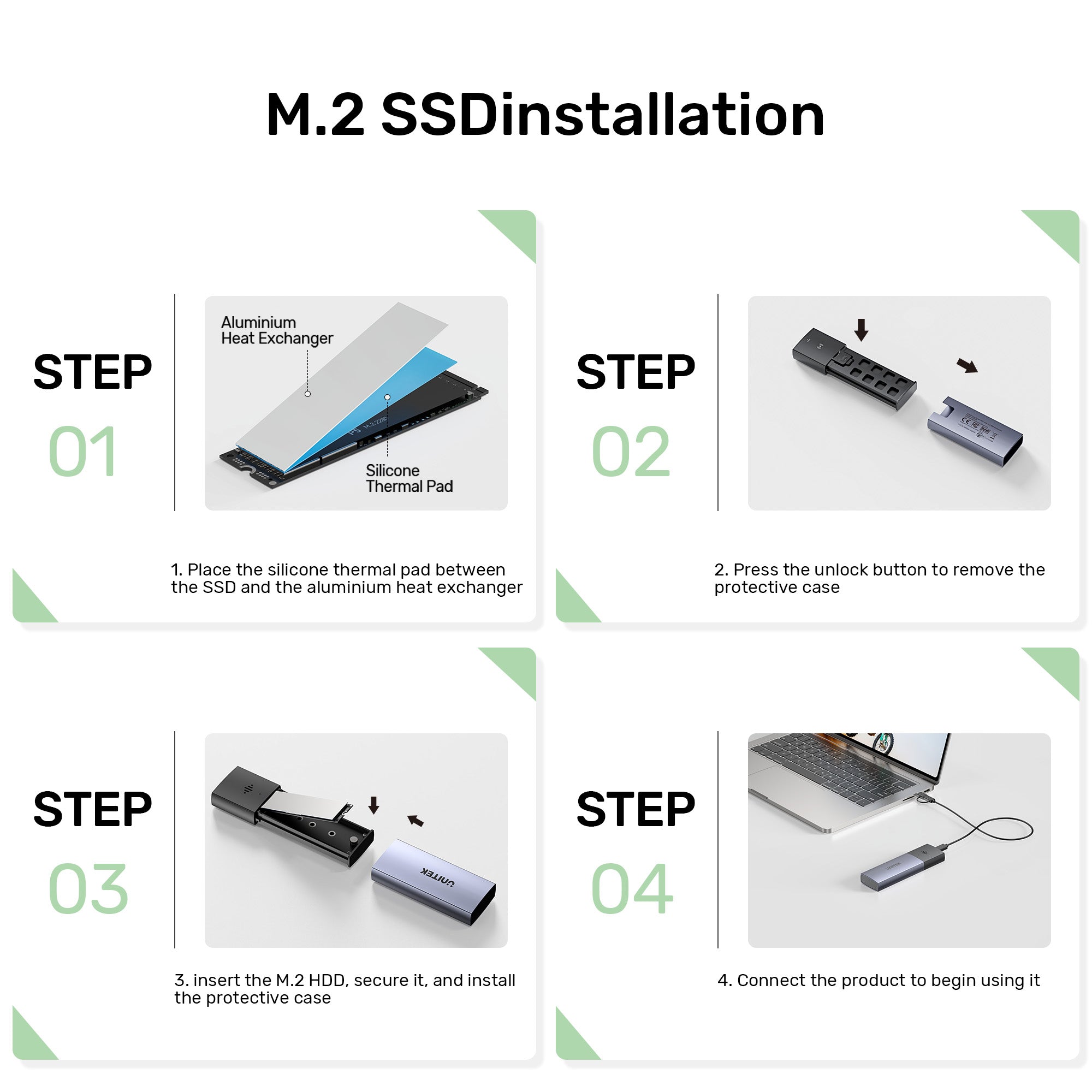
M.2 SSD Installation
Follow these four easy steps to install your M.2 SSD into the enclosure: 1. Place the silicone thermal pad between the SSD and the aluminium heat exchanger. 2. Press the unlock button to remove the protective case. 3. Insert the M.2 SSD, secure it firmly, and reinstall the protective case. 4. Connect the product via the cable to start using it. Quick, tool-free setup ensures optimal heat dissipation and reliable performance!
The UNITEK SolidForce Smart Anti-Loss M.2 SSD Enclosure (S1251A) combines blazing 10Gbps transfer speeds with intelligent anti-loss protection via Apple’s Find My network. Receive instant separation alerts, sound the buzzer, and view last-known location if misplaced. Supports NVMe SSDs up to 2280, flexible USB-C/A connection, and universal OS compatibility – perfect for professionals and travelers who can’t afford to lose valuable data.
Find My Network
Seamlessly track your SSD enclosure using Apple’s official Find My app for a premium user experience. This feature prevents accidental loss when the SSD enclosure is left behind after use in different locations. Locate your SSD enclosure quickly with the built-in sound alarm. Stay Connected, Stay Secure – Your Data Deserves the Best Protection!
Smart Anti-Loss Protection
Equipped with Bluetooth 5.1 (BLE) 2.4GHz technology supporting RSSI/AoA/AoD multi-mode positioning. Features includes instant pop-up separation alerts, last-known location recording in the app with navigation guidance, and an audible buzzer alarm for easy retrieval. Powered by a CR2032 battery cell with one year long last life, eliminating frequent battery replacements.
10 Gbps High-Speed Transmission
UNITEK SolidForce 10 Gbps Anti-Loss M.2 SSD Enclosure supports upstream transfer speeds of up to 10 Gbps and is compatible with 5 Gbps USB 2.0 transfer speeds. Additionally, it supports SSD TRIM and UASP acceleration, optimizing read/write speeds for ultra-fast data transfers. It fully utilizes PCIe 3.0 and NVMe SSD performance.
Flexible Port Connection
Including a 30cm 10Gbps USB-C to USB-C cable with USB-A adaptor It offers unparalleled flexibility and great convenience for end user to choose either USB-C or USB-A port to connect their personal devices for easy data transfer.
Universal OS Compatibility
Supports seamless connectivity and data transfer across Windows, macOS, Linux, Android, and iPadOS without the need for additional drivers.
Tailored Solutions for Every Professional & Creator
From government agencies and IT professionals needing secure, reliable connectivity, to photographers, videographers, and content creators requiring fast data transfer and stable workflows – our products empower productivity.
How to Install Battery
1. Open the battery compartment. 2. Place the battery inside with the positive pole (+) facing upwards. 3. Press the function button to activate Anti-Loss mode, then close the battery cover. Simple setup ensures your data stays protected and trackable!
Pair Product with Find My App
Follow these simple steps to connect your SolidForce enclosure to the Find My app and enable tracking: 1. Enable Bluetooth & Location Services, then open the Find My app. 2. Go to the "Items" tab. 3. Tap the + icon and select "Other Supported Item". 4. Find and select "S1251" from the list, then tap "Connect". 5. Name your item and choose an emoji icon, then tap "Continue". 6. Agree to connect to your Apple ID and tap "Finish" to complete setup.
M.2 SSD Installation
Follow these four easy steps to install your M.2 SSD into the enclosure: 1. Place the silicone thermal pad between the SSD and the aluminium heat exchanger. 2. Press the unlock button to remove the protective case. 3. Insert the M.2 SSD, secure it firmly, and reinstall the protective case. 4. Connect the product via the cable to start using it. Quick, tool-free setup ensures optimal heat dissipation and reliable performance!
| Operating System | Windows, macOS, Linux kernel 3.x, iOS |
|---|---|
| Host Port Compatibility | USB-C |
| Connection Type | Bluetooth Low Energy 5.1 & 2.4G for Find My app |
| Card Slot | 1 x M.2 슬롯 |
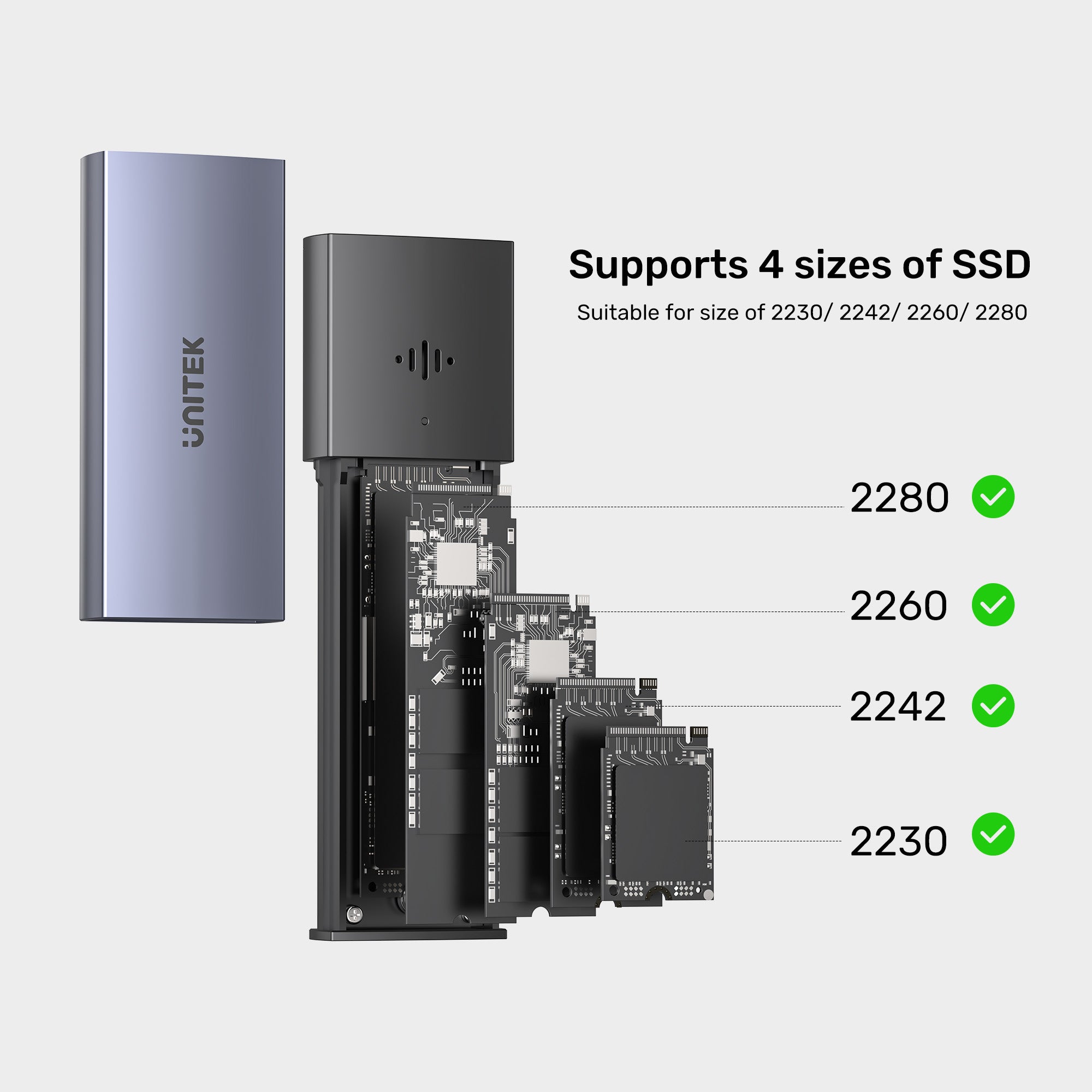
| Card Type | M.2 SSD Size: 2230/ 2242/ 2260/ 2280 |
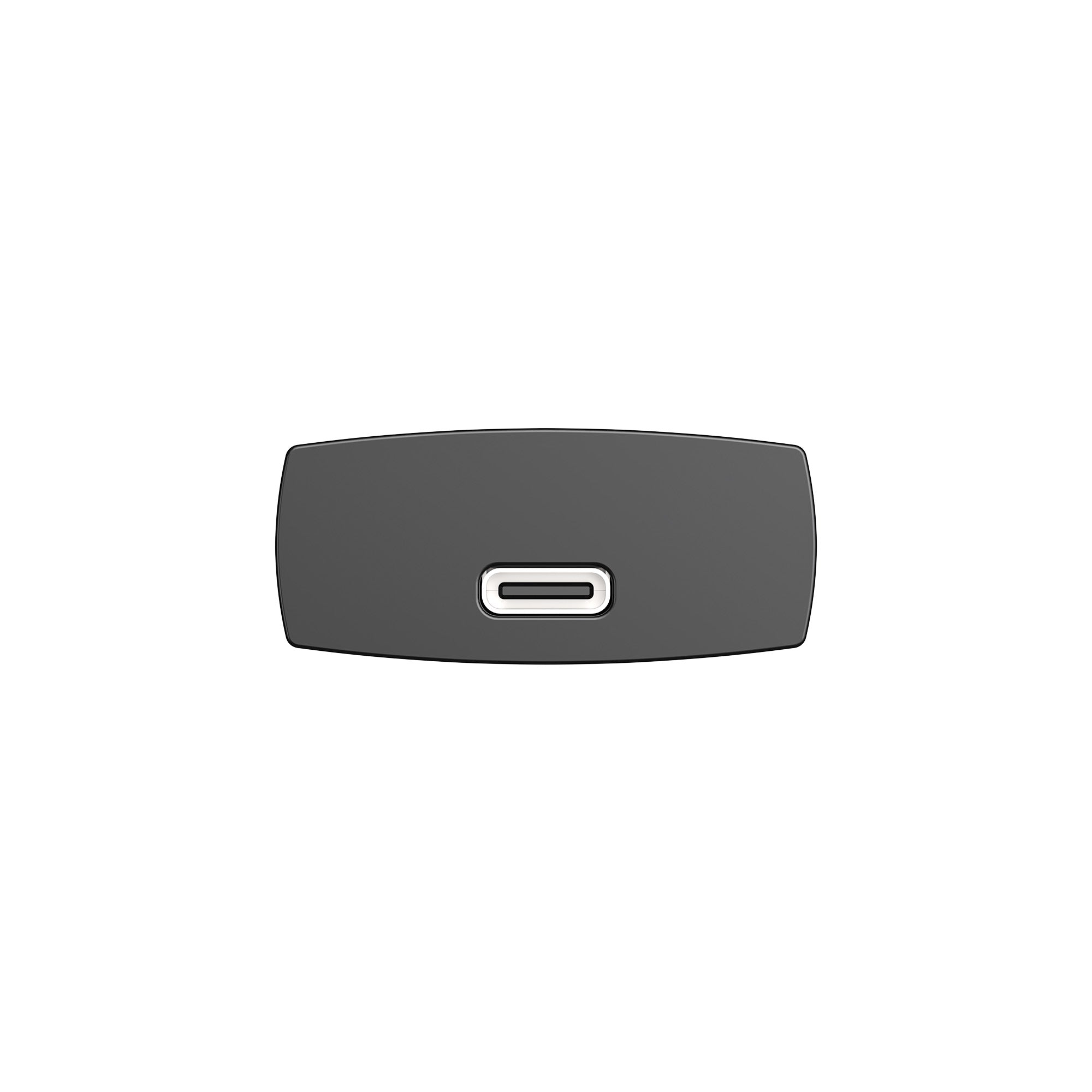
| USB-C | 1 x 10Gbps(암) |
| SSD Compatibility | M.2 PCI-e NVMe SSD |
| Data transfer rate | 10Gbps |
| LED indicator | 1 x blue/green dual color; Blue: Powered on (solid light); Read/ Write status (flashing); Green: Anti-loss tracking status |
| Cable Length | 30CM |
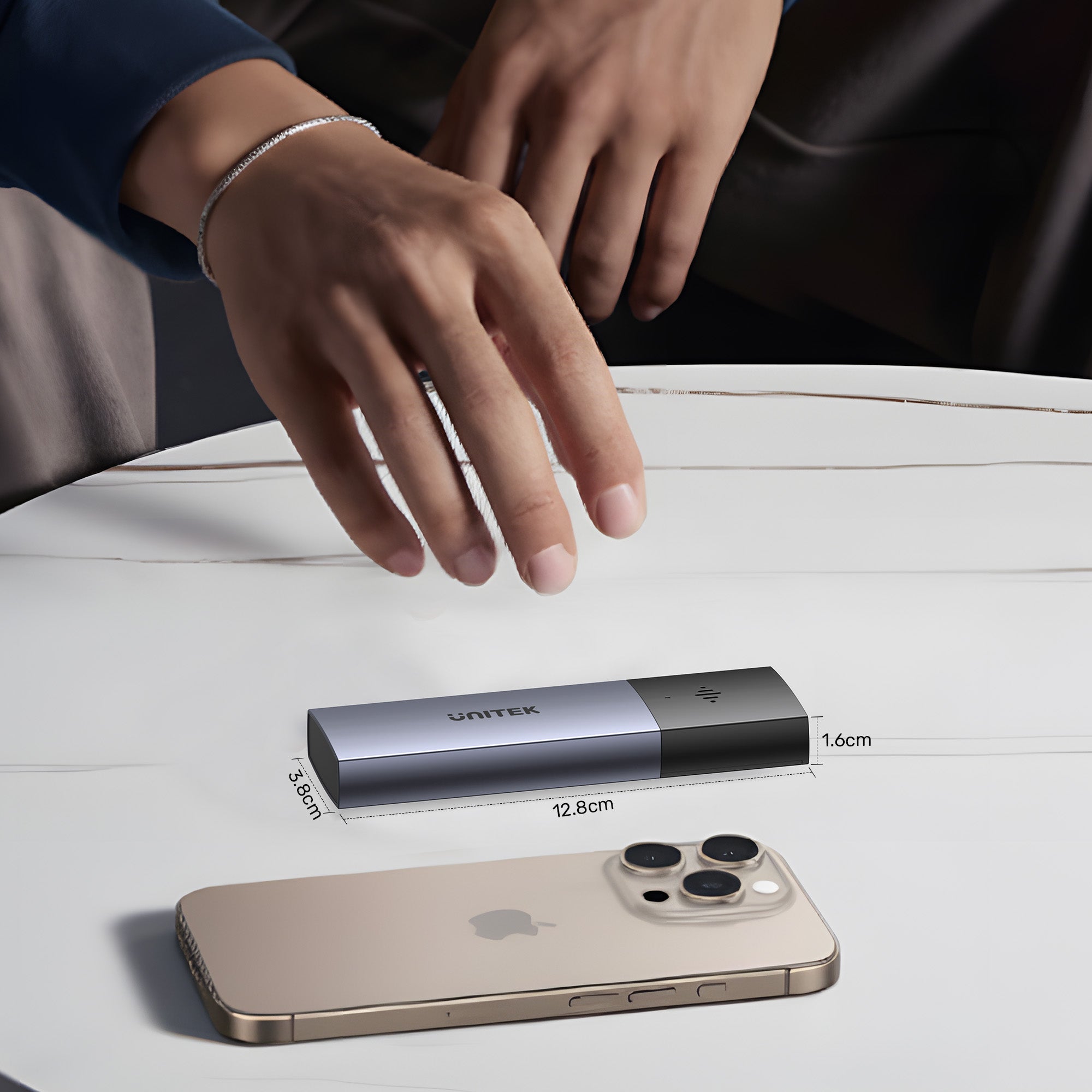
| Dimensions | 128.0mm x 38.0mm x 16.5mm |
| Material | Aluminum Alloy |
| Colour | Space Grey |
- 1 x PCIe NVMe M.2 SSD 인클로저
- 1 x USB C-USB C 케이블
- 1 x 사용자 설명서
Choose options